Digital Save the Date: How to Announce Your Wedding Online
Skip the printed cards. A digital save the date reaches every guest instantly and adds the date to their calendar. Here's how to do it right.
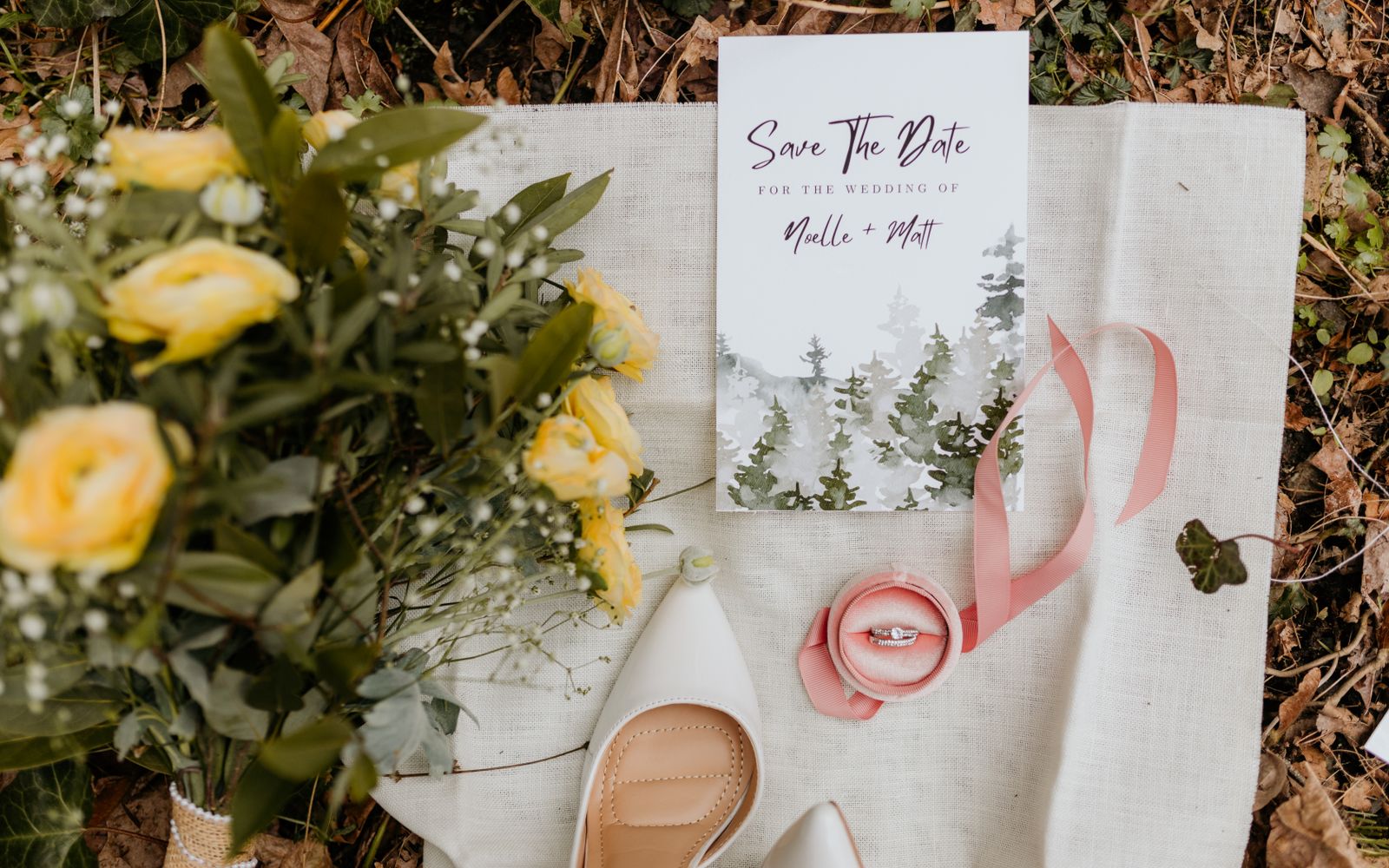
What Is a Digital Save the Date?
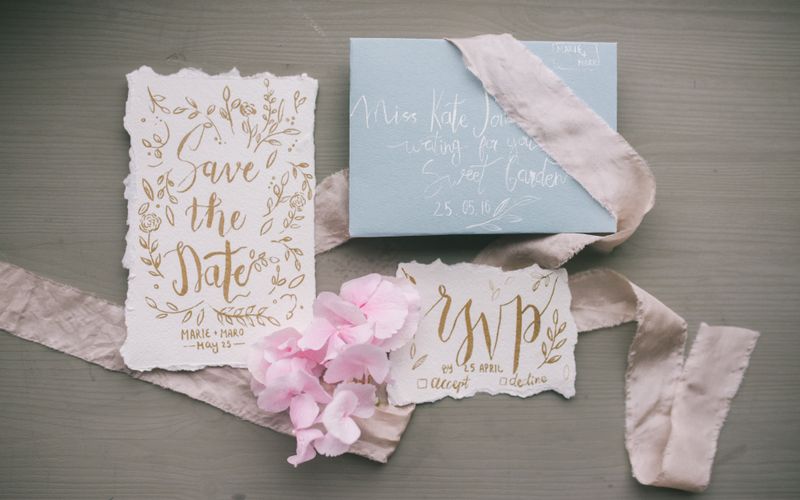
A digital save the date is an online announcement sent via link, text, or email to let guests know your wedding date before the formal invitation goes out. It replaces the traditional printed card with something faster, cheaper, and more interactive — while still giving guests the key details they need to mark their calendars.
In 2026, digital save the dates have become the go-to choice for couples who want to lock in their date early without spending hundreds on printing and postage. They're especially popular for destination weddings, where guests need extra lead time to plan travel.
Digital Save the Date vs Paper: Why Couples Are Switching
A printed save the date means printing, an envelope and postage for every letter, months before the invitations cost the same again. You can put your own printer and postage prices into the wedding invitation cost calculator to see the total. A digital save the date has none of those costs and does things paper can't:
- Instant delivery: Send to all guests in seconds via text, WhatsApp, or email — no waiting for print production or postal delivery.
- "Add to calendar" button: Guests tap once and the date is saved to their phone calendar automatically. No forgotten dates.
- No extra cost: Most platforms include save the dates in your invitation package.
- Easy updates: If the venue or date changes, update once and everyone sees the latest information.
- Eco-friendly: No paper, no ink, no fuel for delivery. A fully paperless option.
How to Create an Online Save the Date
1. Choose Your Platform
Look for a platform that includes save the dates as part of the invitation experience — not a separate tool. The best options let you create both your save the date and your formal invitation in one place, keeping your branding and design consistent.
Wedding Inviter includes a dedicated save the date page that automatically adopts your chosen wedding theme, fonts, and color palette — so everything looks cohesive from the first announcement to the final RSVP.
2. Include the Essential Details
A save the date should be simple. Include only what guests need right now:
- Your names — so they know whose wedding it is
- The date — the whole reason for sending it
- The location (city or venue) — especially important for destination weddings
- A personal note (optional) — a short message like "Formal invitation to follow"
Don't include RSVP requests, detailed schedules, or accommodation info yet. Save those for the formal invitation.
3. Add a Hero Image
A beautiful engagement photo or venue image makes your save the date memorable. On Wedding Inviter, you can upload a custom hero image that displays in a gorgeous 4:5 ratio with rounded corners — giving it that editorial, magazine-quality feel.
4. Share the Link
Once your save the date page is ready, copy the link and share it however works best for your guests — text message, email, WhatsApp, or even a QR code on a printed card for hybrid approaches.
When to Send a Digital Save the Date
Timing matters. Here's the recommended timeline:
- Standard wedding: 6–8 months before the wedding date
- Destination wedding: 8–12 months before, so guests can plan flights and accommodation
- Holiday weekend wedding: 8–10 months before, as guests may have competing plans
The advantage of going digital? You can send it instantly whenever you're ready — no lead time for printing or mailing.
Online Save the Date Etiquette
Some couples worry about etiquette when going digital. Here's what modern wedding etiquette experts say:
- It's perfectly acceptable. Digital save the dates are now standard practice and welcomed by guests of all ages.
- Be consistent. If you send digital save the dates, it's fine to follow up with digital invitations too — or switch to paper for the formal invite if you prefer a hybrid approach.
- Send to everyone on your guest list. Don't send save the dates to people who won't receive a formal invitation — it creates awkward expectations.
- Include enough detail. Even though it's digital, guests still need the date, your names, and the general location.
Features to Look for in a Digital Save the Date
Not all platforms handle save the dates equally. Here's what separates a great online save the date from a basic one:
- "Add to calendar" integration: One-tap calendar saving is essential. Without it, guests may forget the date despite seeing the announcement.
- Theme consistency: Your save the date should match your invitation's design — same fonts, colors, and styling.
- Custom hero image: A personal photo makes the save the date feel intimate and special.
- Mobile-first design: Most guests will view it on their phone. It needs to look stunning on small screens.
- Shareable link: A clean URL that you can send via any channel — not locked to email.
Digital Save the Date vs Digital Invitation: What's the Difference?
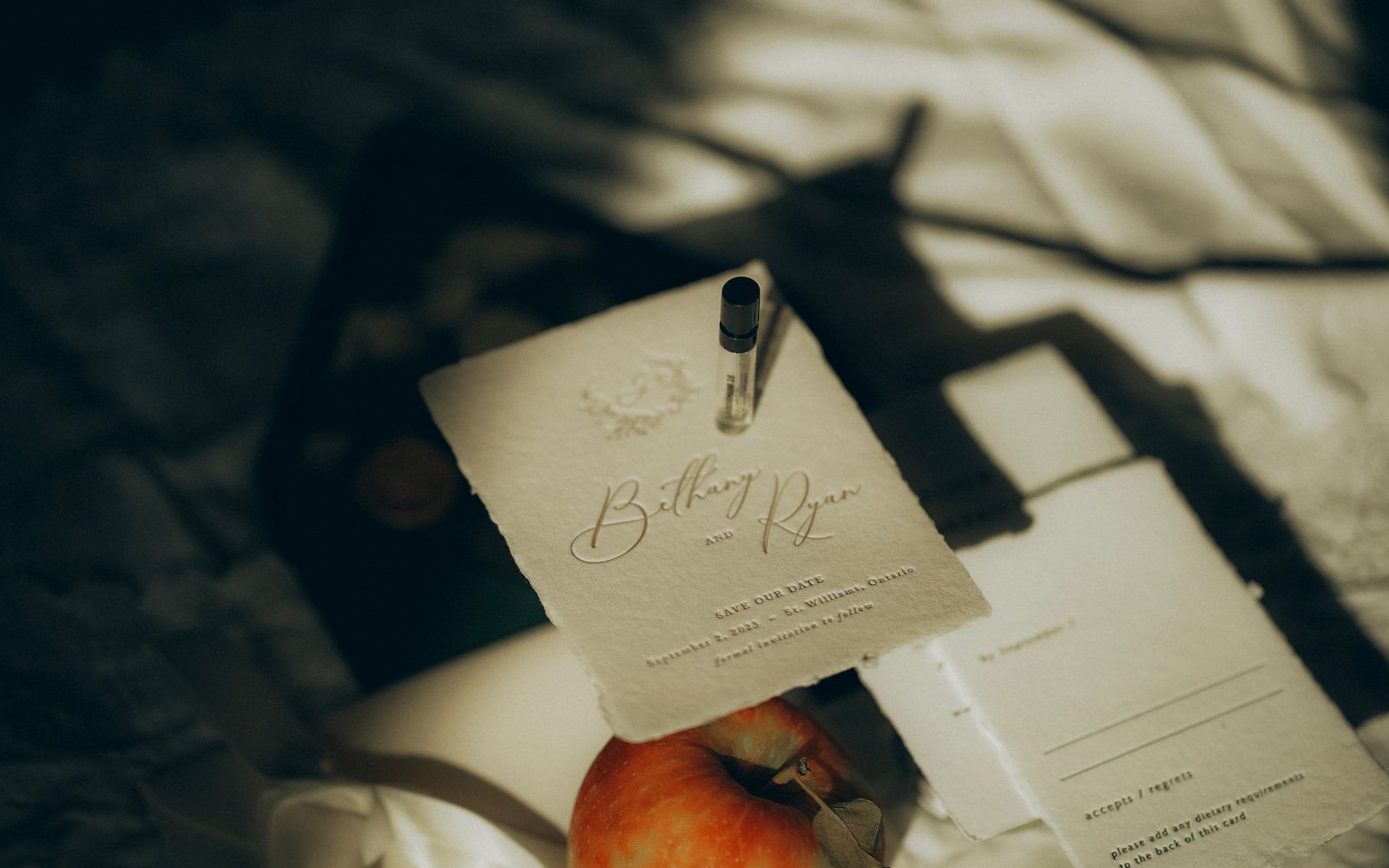
A save the date is a heads-up. An invitation is the formal request to attend. Here's how they differ:
| Save the Date | Invitation |
|---|---|
| Sent 6–12 months early | Sent 6–8 weeks before |
| No RSVP needed | Requires RSVP response |
| Basic info only (date, names, location) | Full details (schedule, events, dietary form) |
| One page, simple | Multi-page with program and signup |
The best approach is to use both: send a digital save the date early, then follow up with a full digital invitation closer to the wedding.
Can a Digital Save the Date Collect RSVPs?
It can, but it usually shouldn't: months ahead, many guests can't answer yet. On Wedding Inviter the save the date page is the announcement, with your photo and an Add to calendar button, and the replies come in later on the invitation, where every guest answers for the ceremony, dinner and party separately and you follow the answers in your overview. Both are part of one wedding, so one payment covers them: Premium or Luxe, paid once.
Getting Started with Your Digital Save the Date
Creating a digital save the date takes under 10 minutes. Choose a platform that integrates it seamlessly with your invitation, upload a photo, add your details, and share the link. Your guests will have the date in their calendars before you finish your morning coffee.
Related Resources
- Shareable guest link — one URL for all your guests
- When to send wedding invitations — the complete timeline
- Online wedding invitations guide — everything you need to know
- Paperless wedding invitations — the eco-friendly approach
- Browse invitation templates
More from the Blog
 GuidesFree Digital Wedding Invitations: Your Options and Their Limits7 min read
 PlanningOnline Wedding RSVP: The Complete Guide to Digital Response Tracking8 min read
 Comparisons6 Best Paperless Post Alternatives for Wedding Invitations (2026)12 min read
 GuidesHow to Send Wedding Invitations Online: Step-by-Step Guide7 min read
 ComparisonsBest Online Wedding Invitation Sites in 2026: Honest Comparison10 min read
 PlanningWedding Invitations with RSVP Tracking: Why It Changes Everything6 min read
 PlanningWhen to Send Wedding Invitations: The Perfect Timeline for 20266 min read
 GuidesPaperless Wedding Invitations (2026): How to Go Paperless8 min read
 GuidesWedding Invitation Website Buyer’s Checklist: What to Compare9 min read
 PlanningWedding RSVP Website: Collect Replies Without Chasing Guests8 min read
 GuidesElectronic Wedding Invitations: Everything You Need to Know8 min read
 ComparisonsBest WithJoy Alternative for Wedding Invitations in 20269 min read
 ComparisonsWedding Invitation App vs No-App: Which Gets Better RSVPs?8 min read
 PlanningWedding RSVP Etiquette: How to Get Every Guest to Respond9 min read
 PlanningHow to Manage Your Wedding Guest List: From First Draft to Final Count10 min read
 InspirationWedding RSVP Wording Examples for Every Style and Situation12 min read
 InspirationSave the Date Wording: Examples for Every Style of Wedding9 min read
 InspirationWedding Website Wording: Templates for Every Section10 min read
 PlanningThe Ultimate Wedding Planning Checklist for 202614 min read
 PlanningWedding Invitation Checklist: What to Include & How to Send10 min read
 PlanningWedding Day Checklist: Hour-by-Hour Timeline & Vendor Guide11 min read
 GuidesDigital Wedding Invitations: The Complete Guide for 202611 min read
 InspirationWedding Invitation Wording: Examples for Every Situation10 min read
 PlanningPaper vs Digital Wedding Invitations: Which Is Right for You?6 min read
 ComparisonsZola vs Paperless Post: Which Is Better for Wedding Invitations?9 min read
 ComparisonsGreenvelope Alternatives for Wedding Invitations (2026)9 min read
 ComparisonsGreenvelope vs Joy for Wedding Invitations (2026)6 min read
 ComparisonsGreenvelope vs Paperless Post: Pricing & Wedding Invitations (2026)6 min read
 ComparisonsJoy vs Evite for Wedding Invitations (2026)6 min read
 GuidesWedding RSVP per Event: Ceremony, Reception and Evening Guests7 min read
 GuidesHow to RSVP to a Wedding: Online, In Person & What to Say7 min read
 GuidesWedding RSVP Deadline: When to Set It, and If Guests Miss It8 min read
 ComparisonsJoy vs Zola vs Paperless Post for Digital Wedding Invitations6 min read
 ComparisonsPaperless Post vs Evite for Wedding Invitations (2026)6 min read
 ComparisonsGreenvelope vs Evite for Wedding Invitations (2026)6 min read
 ComparisonsInviteDrop Alternatives for Wedding Invitations (2026)7 min read
 ComparisonseCardWidget vs Paperless Post: Which One Is for Weddings?5 min read
 GuidesWhat Does RSVP Mean on a Wedding Invitation?6 min read